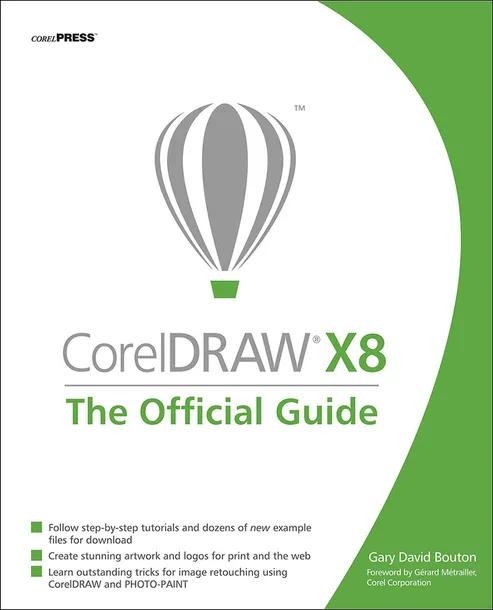
CorelDRAW X8: The Official Guide
by Gary David Bouton
12th Edition
Publisher: McGraw-Hill
Book Details
| Print ISBN | 9781259860201 |
| eText ISBN | 9781259860218 |
| Publisher | McGraw-Hill |
| Publishing Year | 2017 |
| Edition | 12th Edition |
| Language | English |
| Pages | 648 |
CorelDRAW X8: The Official Guide, 12th Edition, is an instructional book published by McGraw-Hill. The volume serves as the Corel-authorized guide updated to cover the features and workflows of CorelDRAW X8.
The text examines workspace navigation within the customizable interface, document design for items such as brochures and flyers, and vector drawing methods. It explains how to build layouts, configure typography, and apply visual attributes to vector paths and objects.
Written for both beginners and experienced illustrators, the book provides guidance on creating commercial graphics, transforming two-dimensional shapes into three-dimensional art, and preparing high-quality print output that aligns with monitor displays.
Table of Contents
Chapter 1: Welcome! What's New (and also Exciting) in CorelDraw Graphics Suite x8
Chapter 2: The Roadmap to Features and Productivity in DRAW
Chapter 3: Diving into DRAW!
Chapter 4: Working with Single- and Multi-page Documents
Chapter 5: Creating Basic Shapes, Applying Transformations
Chapter 6: Arranging and Organizing Objects
Chapter 7: Choosing (And Understanding) the Right Path Tools
Chapter 8: Exploring Special Shapes, Connectors, and Other Office Automation Helpers
Chapter 9: Editing Objects, Rearranging Paths, and Using Boolean Ops
Chapter 10: Paragraph Text, Artistic Text, and When (and How) to Use them
Chapter 11: Intermediate Desktop Publishing and Proofing Tools
Chapter 12: Options for Filling Objects
Chapter 13: Applying Strokes to Paths
Chapter 14: Using Blends and Contours
Chapter 15: Mixing and Matching with Digital Color Models
Chapter 16: The Perspective and Extrude Effects
Chapter 17: Using the Envelope Tool, Lens Effects, and Bevels
Chapter 18: The Shape Editing Tools and Distortions
Chapter 19: Transparencies and Shadows
Chapter 20: Understanding and Working with Pixel-Based Images in CorelDRAW
Chapter 21: Common Image-Editing Techniques using PHOTO-PAINT
Chapter 22: Creating Animations in PHOTO-PAINT
Chapter 23: Final Thoughts: Where Do We Go From here?
Customer Reviews
0.0
0 reviews
No reviews yet. Be the first to review this book!
Write a Review
Reviewed by GradeFocus Editorial Team